
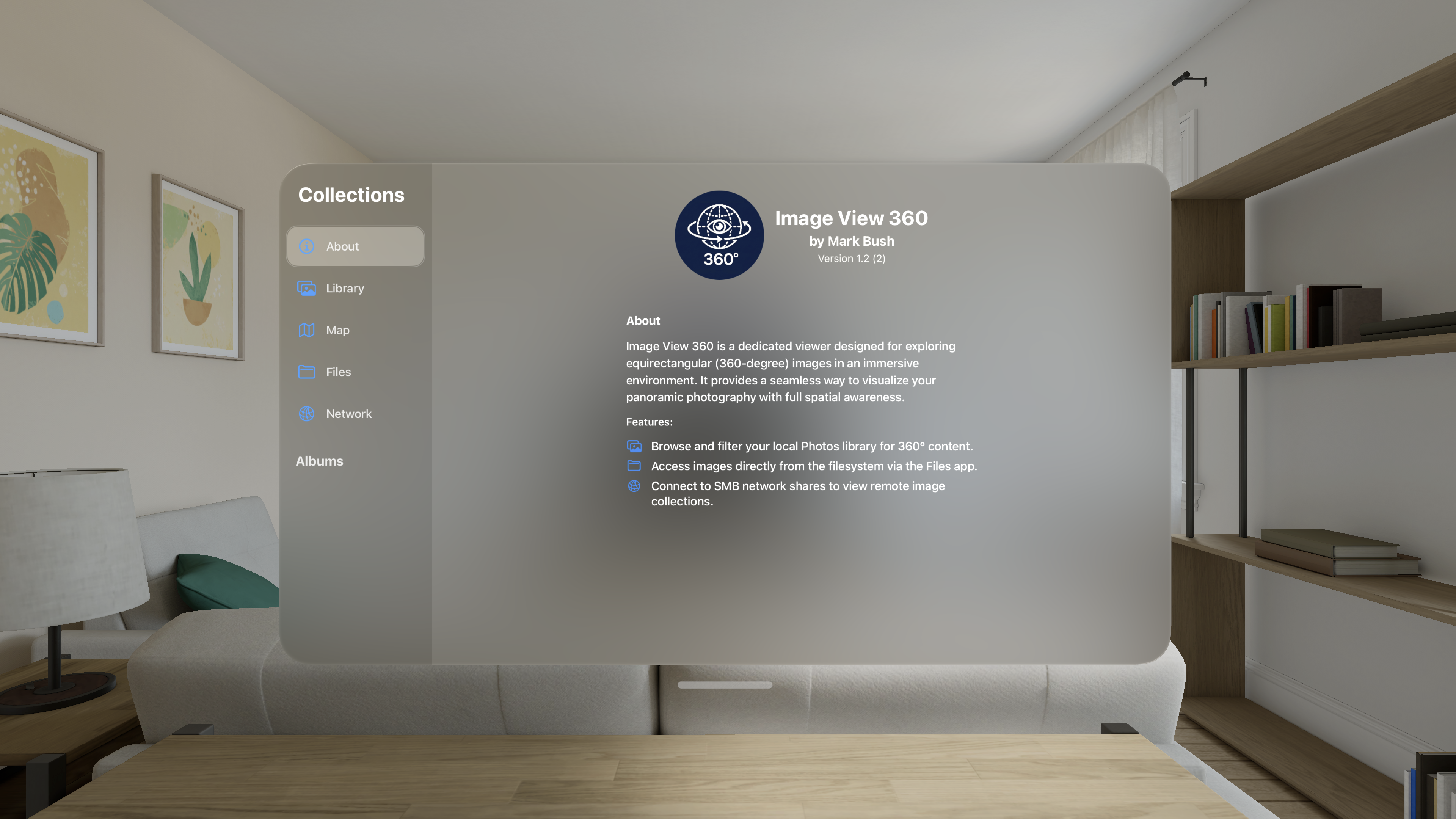
Image View 360 is an application to allow you to view all your 360º equirectangular images from your Photos library, the Files app, or a network SMB share.
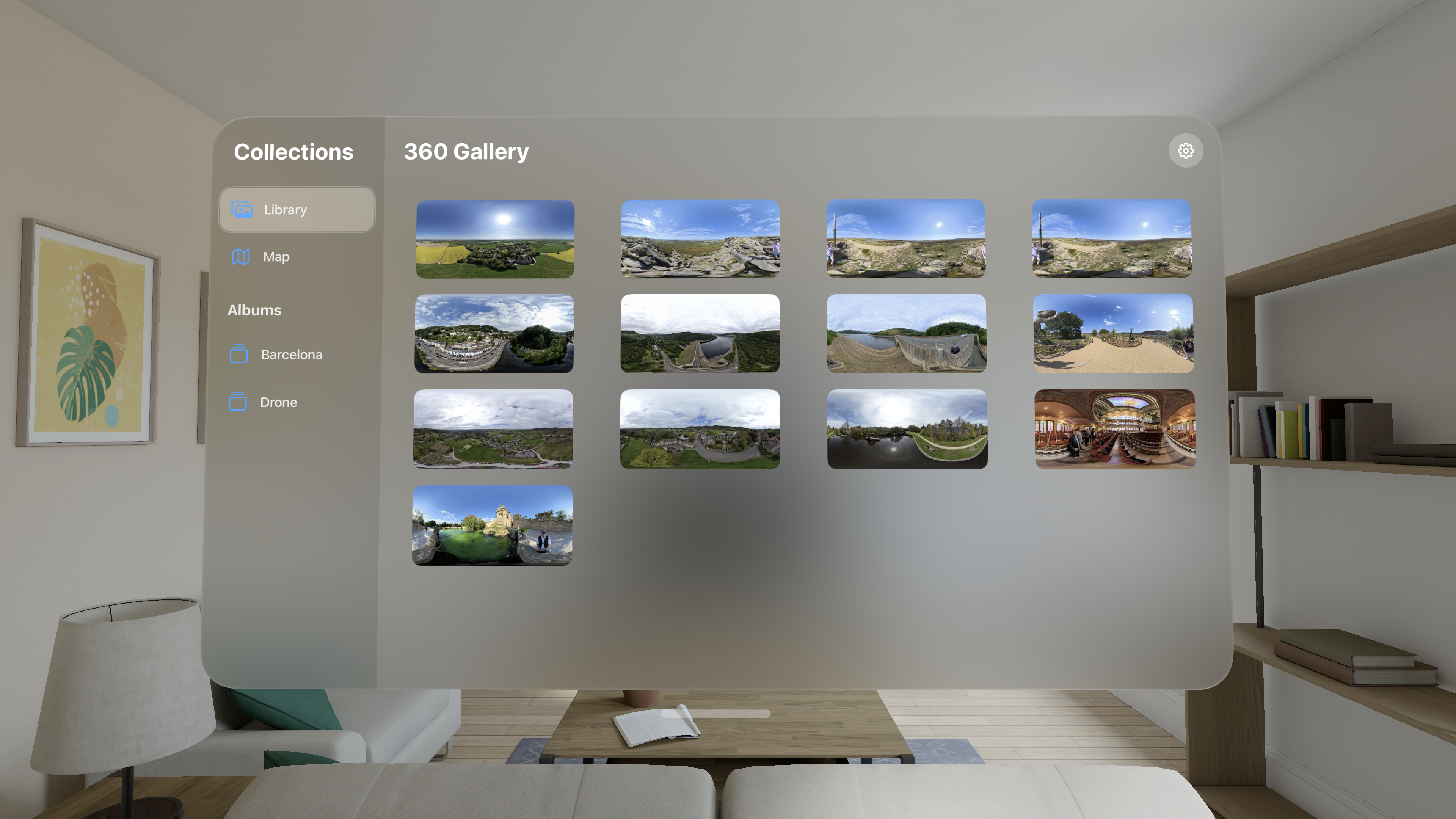
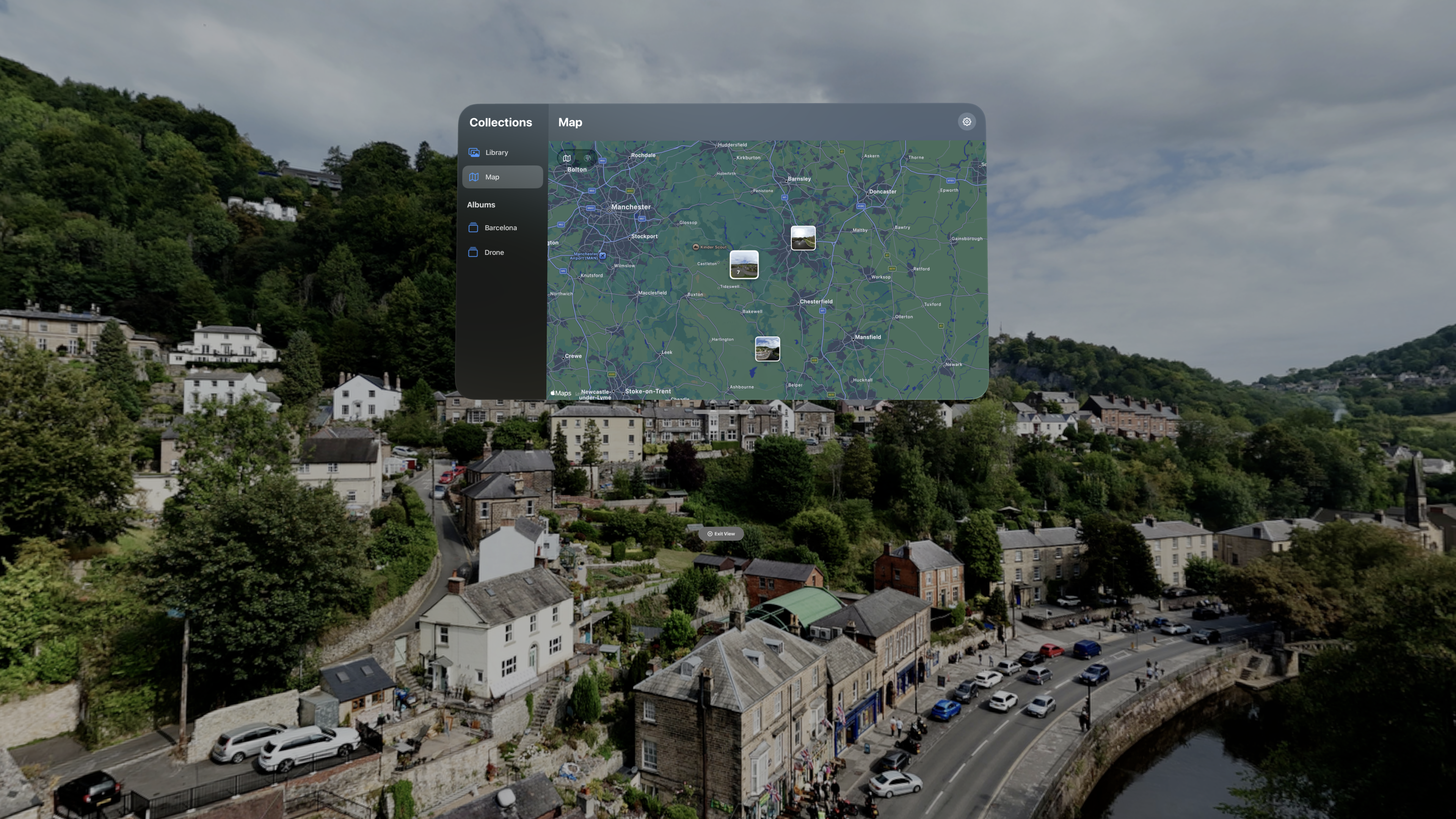
You can browse your entire collection of 360º images in a single grid. Settings allow you to order them oldest first or newest first and you can change the size of the thumbnails displayed. Selecting an image will display it in an immersive view around you enabling you to relive the experience of being there.
While viewing an image in immersive mode, you can look around you to experience the full view. You can also use the handy buttons to rotate the image by 45º, 90º, or 180º to avoid the need to look around you - handy for armchair viewing!
If the images are in albums in your Photos library, then those albums will be displayed in the sidebar allowing you to browse groups of images.
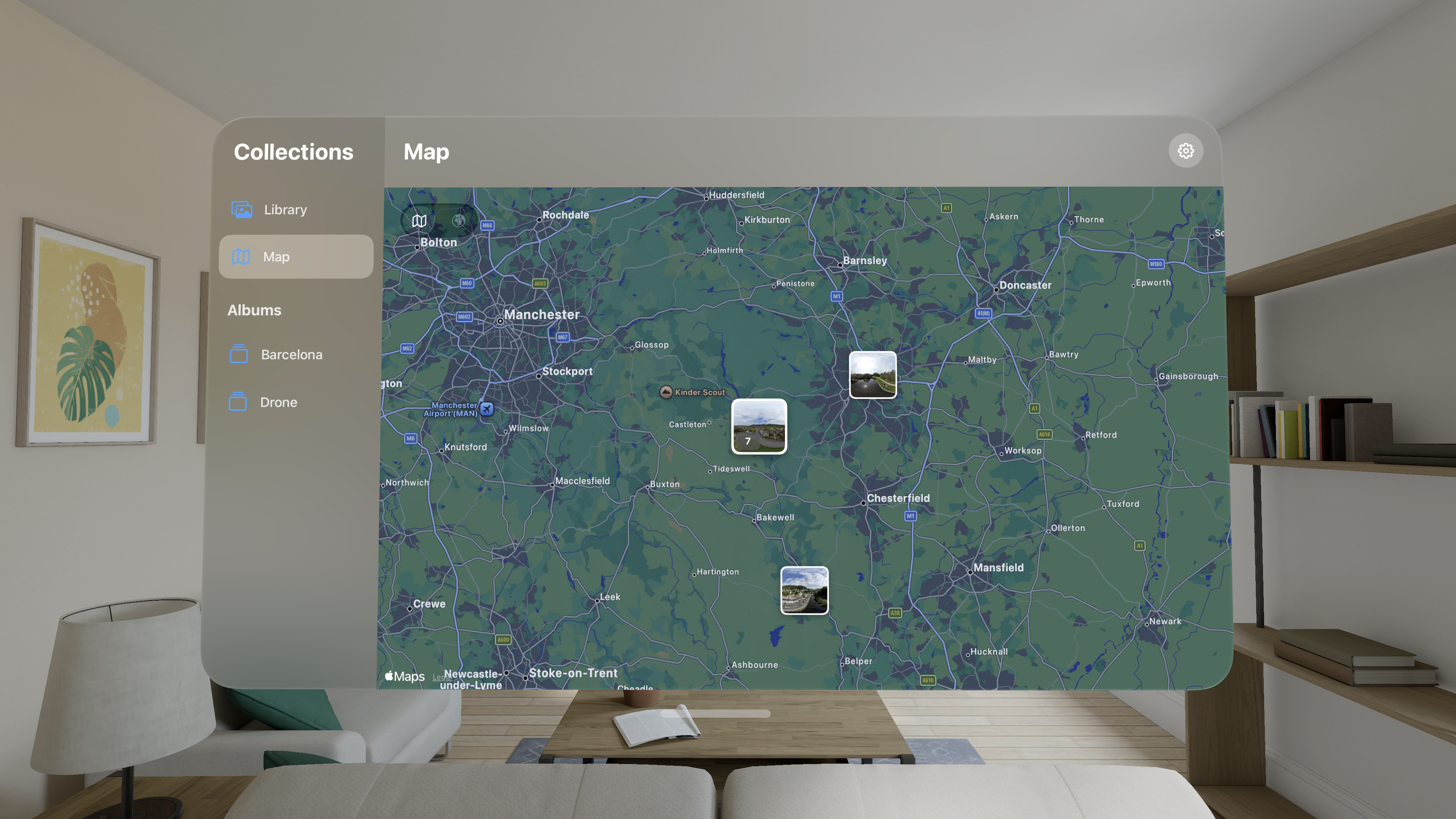
There is also a map view to see your images by location. All of your 360º images which have their location set will be displayed. Photos missing a location can be updated in the Photos app. Selecting an image will show it around you. If you select a grouping of images, it will expand allowing you to select individual ones. The map can be toggled between standard and satellite view.
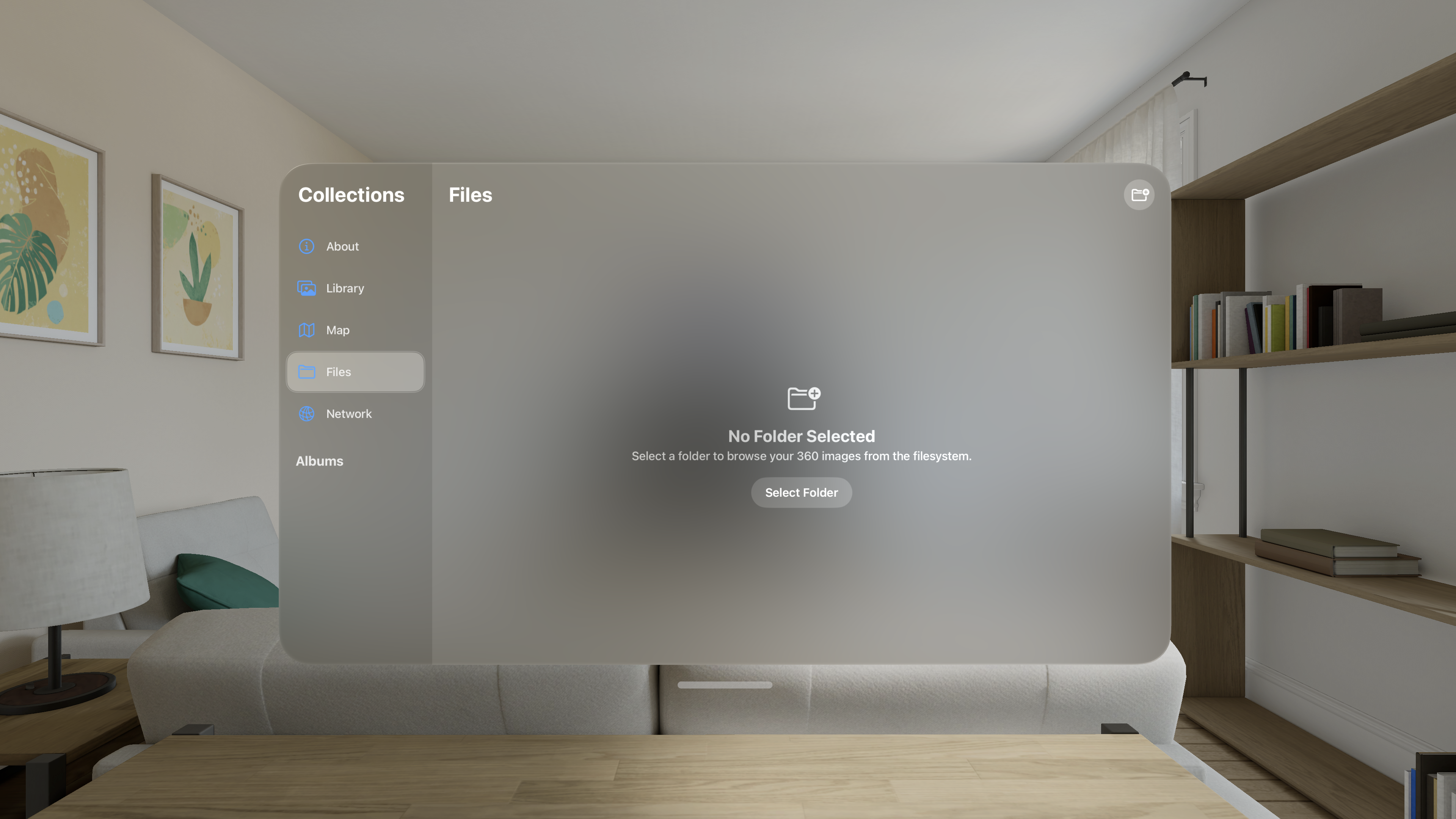
You can also select a folder from the Files app and view images stored there. You can select either a local folder or one in iCloud. You will then be able to browse around any subfolders and the app will display any equirectangular images that you have stored there.
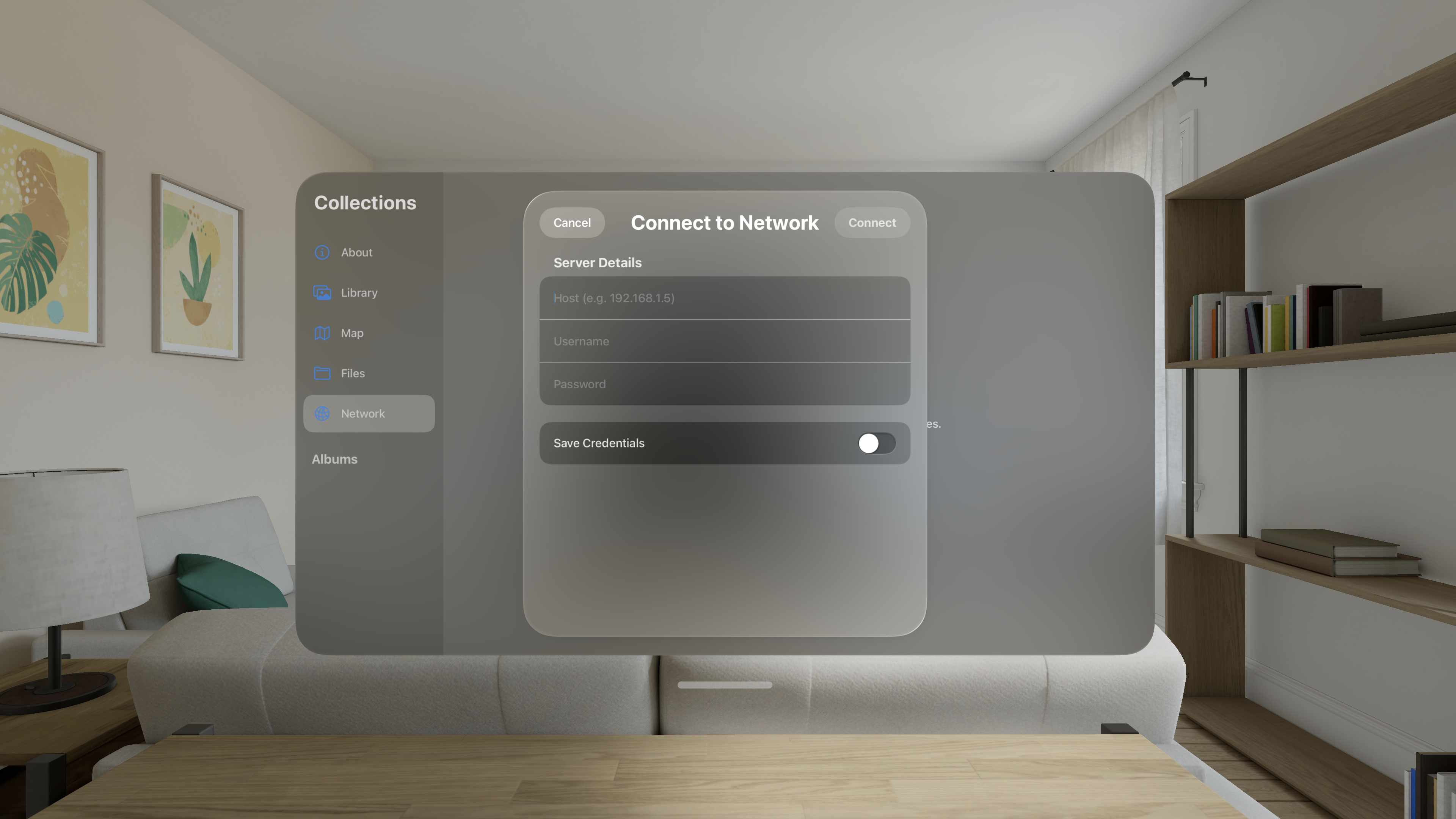
If you have suitable 360º images on a network drive, you can connect directly from the app. The drive must support Windows File Sharing to be compatible. There is an option to save the details of your last connection used to make it easier to reconnect the next time you use the app. Drive contents are not automatically updated when they change on the remote drive. In that situation, just select the "refresh" button at the top to reload the drive contents. Select the "connection" button to change the connection.
Note for Mac users: to enable compatible sharing on a Mac, open System Settings and go to General/Sharing and turn on File Sharing. In the File Sharing details, add the folders you want to be able to access. To be visible from Image View 360, open the Options and turn on Windows File Sharing.
There are many ways to capture 360º images. Specialist cameras such as those by insta360, GoPro, and Ricoh require no extra processing to produce great results and some drones have 360º cameras. Higher quality images are possible using modern drones such as the DJI Mini which take multiple images which are stitched together. Often, using separate software can produce higher resulution than the builtin stitching of these drones. There are also apps which you can use on a smartphone which will allow you to take photos of the space around you and stitch them together into a 360º image.
Once you have your images, Image View 360 is a great way to browse through them and relive those moments.
This application works on Apple Vision Pro.
Privacy Policy
The application Image View 360 does not collect, store, or share any data except the hostname and username of the last SMB drive used if the user asks to save these. Passwords are never saved.
Image View 360 accesses and processes your photos from the Photos app in order to display them as thumbnails in a window and to display them in the space around you. Photos are not stored in the app, but are accessed directly from the Photos app every time.
Your photos remain secure.